Introduction
Background: EPiServer is the CMS for the Norwegian Government main site, www.regjeringen.no and we use WordPress for more ad hoc sites.
Task: Based on the design guide for regjeringen.no, add 23 video to WordPress.
23 video supports oembed, so adding it is easy
<?php

// replace NAME with your 23 video site name
wp_oembed_add_provider(
	'https://NAME.23video.com/*',
	'https://NAME.23video.com/oembed'
);
and adding a video gave me this

which is not per the design guide.
Modifying the HTML
Please see inline comments. If something is unclear, ask.
/**
 * Rewrite the oEmbed HTML
 *
 * @param  string $output The returned oEmbed HTML
 * @param  object $data   A data object result from an oEmbed provider
 * @param  string $url    The URL of the content to be embedded.
 * @return string         The modified HTML
 */
function nettv_embed_filter( $output, $data, $url ) {

    /**
     * We have two sites, one for video and one for live streaming, is this oEmbed one of those?
     */
    if ( false !== strstr( $url,'SITE01.23video.com' ) || false !== strstr( $url,'SITE01.23video.com' ) ) {
        if ( false !== strstr( $url,'SITE01' ) ) {
            $video_host = 'SITE01.23video.com';
        } else {
            $video_host = 'SITE02.23video.com';
        }

        /**
         * Video and Live have different URLs
         */
        if (isset($data->photo_id)) {
            $photo_id = $data->photo_id;
            $nettv_url = "//%s/v.ihtml/player.html?source=share&photo_id=%s&autoPlay=0";
        } elseif (isset($data->live_id))  {
            $photo_id = $data->live_id;
            $nettv_url = "//%s/v.ihtml/player.html?live_id=%s&source=site&autoPlay=1";
        } else {
            //Something went wrong, return the URL to the video.
            return sprintf('<a href="%s">%s</a>', esc_url($output), esc_url($output));
        }

        /**
         * Create the HTML. I use the <div class="webBroadcastBlock"></div><!--/webBroadcastBlock--> wrapper for my custom autop function.
         * @var string
         */
        $output = sprintf('<div class="webBroadcastBlock"><h2><span class="media-banner"><span class="media-banner-nett-tv">Nett-tv</span><span class="media-banner-archived"></span></span>%1$s</h2><a href="%2$s" data-lightbox-opener="nett-tv" data-lightbox-title="%3$s" data-lightbox-closetxt="%4$s" data-lightbox-labeltxt="Nett-tv" data-lightbox-label-status=""><img src="%5$s" alt="%6$s" /><p>%7$s</p></a></div><!--/webBroadcastBlock-->',
            trim($data->title),
            sprintf($nettv_url,$video_host, $photo_id),
            trim($data->title),
            __('Close','dss-web'),
            $data->thumbnail_url,
            __('View','dss-web'),
            __('View','dss-web')
        );
    }
    return $output;
}
wpautop
wpautop is a pain and it messed up my modified oembed HTML code. I "solved" (if you have a better soultion, please tell me) the problem by writing a custom wpautop that autopees everything except my code.
First, disable the default wpautop
remove_filter('the_content', 'wpautop');
remove_filter('the_content', 'wptexturize')
Then add the custom wpautop
function nettv_no_autop($content) {
    $new_content = '';

    $pattern_full = '{(<div class="webBroadcastBlock">.*?</div><!--/webBroadcastBlock-->)}is';
    $pattern_contents = '{(<div class="webBroadcastBlock">(.*?)</div><!--/webBroadcastBlock-->)}is';
    $pieces = preg_split($pattern_full, $content, -1, PREG_SPLIT_DELIM_CAPTURE);

    foreach ($pieces as $piece) {
    	/**
    	 * If the pattern matches, it's my custom HTML code. Return the HTML without passing it throug wpautop.
    	 */
        if (preg_match($pattern_contents, $piece, $matches)) {
            $new_content .= $matches[1];
        } else {
            $new_content .= wptexturize(wpautop($piece));
        }
    }

    return $new_content;
}
add_filter('the_content', 'nettv_no_autop', 99);
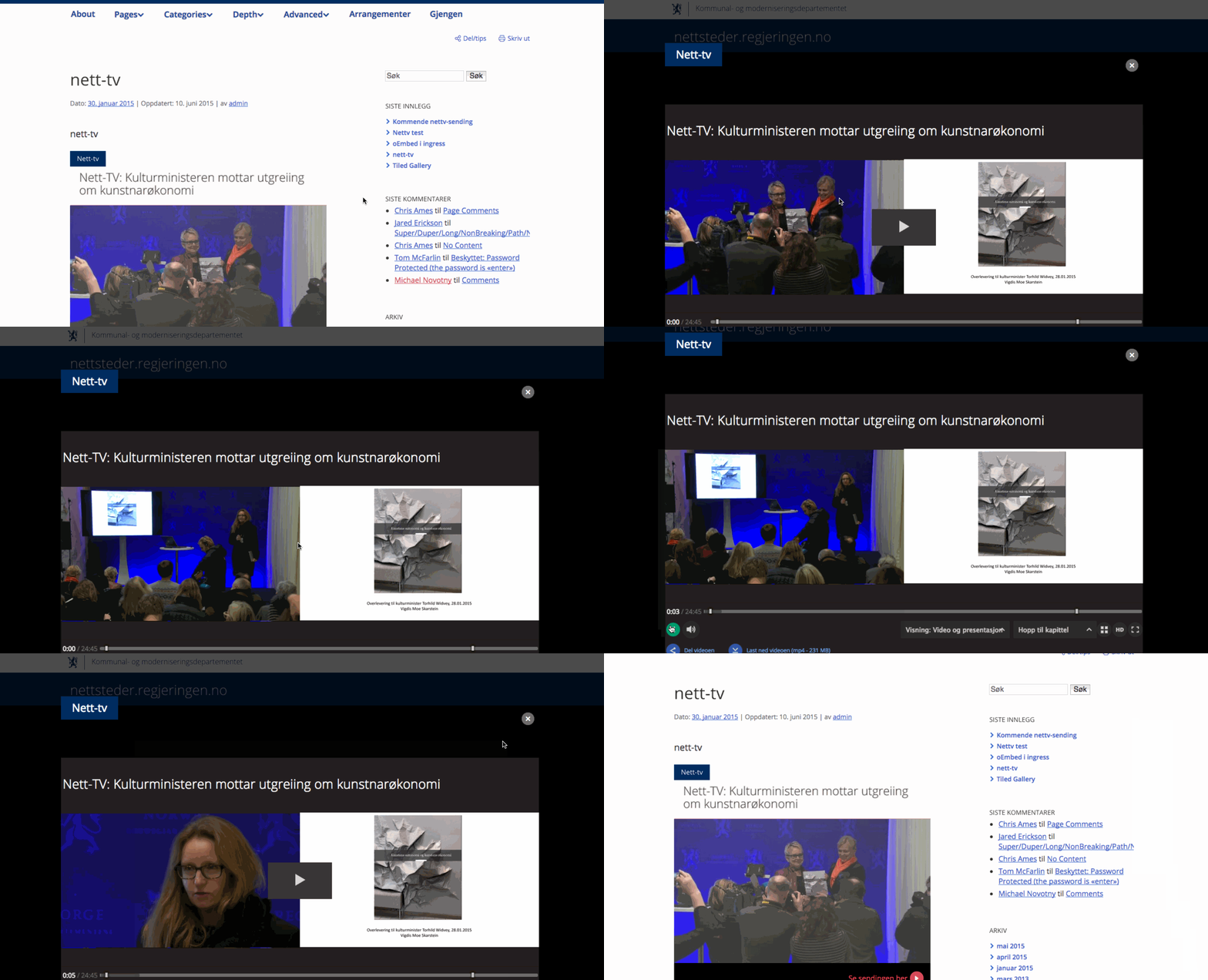
Result
(click the image to see an animation)